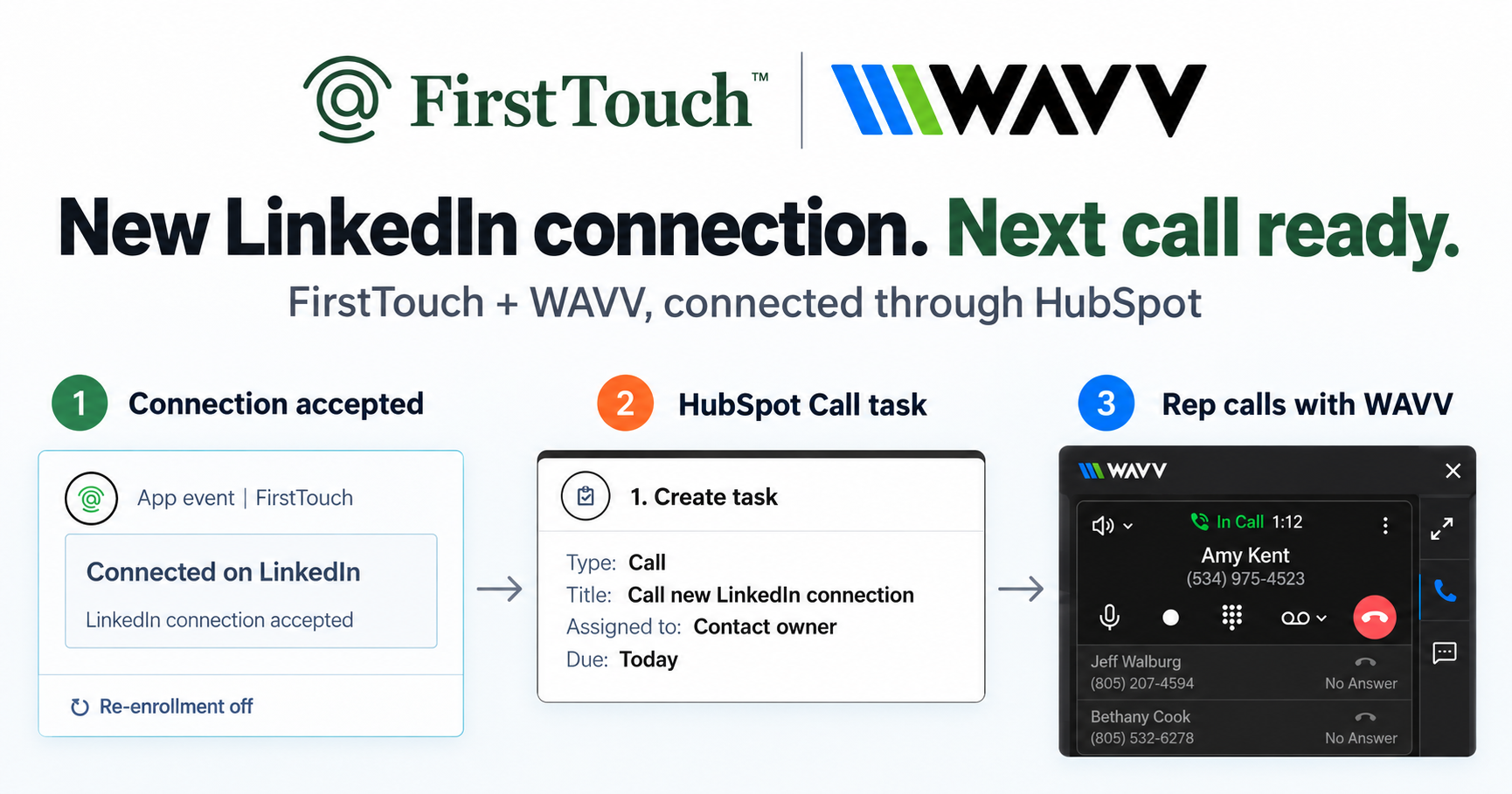
You can use HubSpot workflows to trigger LinkedIn outreach automatically: define a signal, such as a lead score threshold, a form submission, a webinar attendance, or post engagement, and fire a FirstTouch action card in response. HubSpot workflows do one thing exceptionally well: they turn a data change into an action. Until recently those responses were limited to emails, tasks, and property updates; with FirstTouch installed as native action cards, the same signals now fire precise LinkedIn plays. FirstTouch is the HubSpot-native execution layer for LinkedIn outreach and tracking. Supered runs its Surroundbound GTM motion on FirstTouch, triggered from HubSpot workflows and fully attributed in the CRM.
The mechanism: data to trigger to action
- Define the signal: a property change, a form submission, a score threshold, a list membership, or post engagement.
- Insert the FirstTouch action card: Visit Profile, Send Connection Request, or Send Message.
- Let it run: the action fires through the assigned rep's LinkedIn account at human pacing and logs to the contact timeline automatically.
By connecting data directly to action, you remove manual friction and reach prospects the moment intent appears.
Why trigger LinkedIn outreach from internal HubSpot data?
Most social outreach is a cold, list-based motion: build a list by job title and start sending. That ignores the warmer opportunities already interacting with your brand. The people opening your emails, attending your webinars, and starting trials are showing intent in HubSpot right now. Because FirstTouch lives inside HubSpot, you can turn those internal signals into timely LinkedIn touches instead of letting them go cold.
Play 1: The lead-score strike
When a prospect's HubSpot lead score crosses your "sales ready" threshold, the workflow alerts the owner in Slack and triggers a FirstTouch connection request and message from the assigned rep at the same time. The hot lead gets a human touch on LinkedIn within minutes of going hot, not days later in a batch.
Play 2: The post-webinar follow-up
When a contact's webinar status changes to "Attended," wait two hours, then fire a FirstTouch connection request whose note references the specific session topic. It lands while the content is fresh and stands out from the generic follow-up email everyone else sends.
Play 3: The inbound demo warm-up
Speed to lead is everything. When someone submits a demo request, trigger an immediate profile view, connection request, and message from the assigned AE before the first call. That subtle, human touch measurably lifts meeting attendance.
Play 4: The trial activation assist
When a contact's lifecycle stage changes to "Trial," trigger a helpful, non-salesy message from a rep offering to help them get set up and pick the right plan. It is the activation nudge that turns a signup into an active user.
Play 5: The social-signal play
This is the newest signal, and it does not start in your CRM at all. FirstTouch reads the likes and comments on a relevant LinkedIn post, then runs those engaged people through an AI Qualification gate, scoring them against prospect, company, and disqualify criteria. The ones who score in become a warm, qualified audience for a connection request, sourced from real intent rather than a static title filter. FirstTouch surfaces and qualifies the engagement; it does not like or comment on your behalf.
Routing and safety come built in
Every play respects your internal rules. Ownership routing sends each touch from the correct HubSpot Contact or Account Owner, so a prospect never hears from an SDR while they are mid-deal with an AE. Dynamic exclusion lists, checked against live HubSpot data at send time, suppress outreach to current customers, open deals, or blacklisted domains. And Human-in-the-Loop approval lets a rep review high-value drafts before they send. FirstTouch is SOC 2 Type II certified and paces activity at a human-like 15 to 20 actions per rep per day.
How AI agents use FirstTouch
AI assistants like Claude, ChatGPT, and Gemini, along with coding harnesses, can drive these same plays through the FirstTouch MCP Server at mcp.firsttouch.ai, sourcing signals, qualifying prospects, and running the sequence with Human-in-the-Loop gates. The signal-to-action loop runs whether a human or an agent sets it in motion.
Frequently asked questions
What signals can trigger a LinkedIn play? Any HubSpot workflow trigger, including property changes, form submissions, score thresholds, deal stage updates, and list membership, plus social signals from post engagement.
Does the outreach log automatically? Yes. Every triggered action logs to the HubSpot contact timeline in real time, with the trigger context preserved for attribution.
What is social-signal sourcing? FirstTouch reads the likes and comments on a LinkedIn post and qualifies those people against your criteria to build a warm audience. It surfaces and scores engagement; it does not post on your behalf.
How do I get started? $99 per sender per month across all HubSpot tiers, including Free CRM. Start self-serve or book a demo.