Advanced social automation means context, safety, and deep CRM integration, not just AI that writes a passable connection message. In a crowded market, "advanced" usually just means generative copy; helpful, but not the pinnacle of sophistication. The most advanced tool is the one that understands the entirety of your relationship with a prospect, not just their social profile URL. FirstTouch is the HubSpot-native execution layer for LinkedIn outreach and tracking. Nobl9 calls FirstTouch a game-changer for social selling that solved its cold email struggles with authentic LinkedIn outreach and seamless HubSpot integration.
TL;DR: what separates advanced from basic
- Triggering, not syncing: outreach fires from HubSpot workflows, sequences, and live segments, not from an uploaded list.
- Revenue reporting: social touches attributed to booked meetings, pipeline velocity, and Closed-Won revenue, not reply counts.
- Signal sourcing: audiences built from the likes and comments on LinkedIn posts, scored by an AI Qualification gate before any send.
- Human-in-the-Loop: knowing when not to automate, with approval gates on high-value accounts.
What does deep HubSpot integration actually mean?
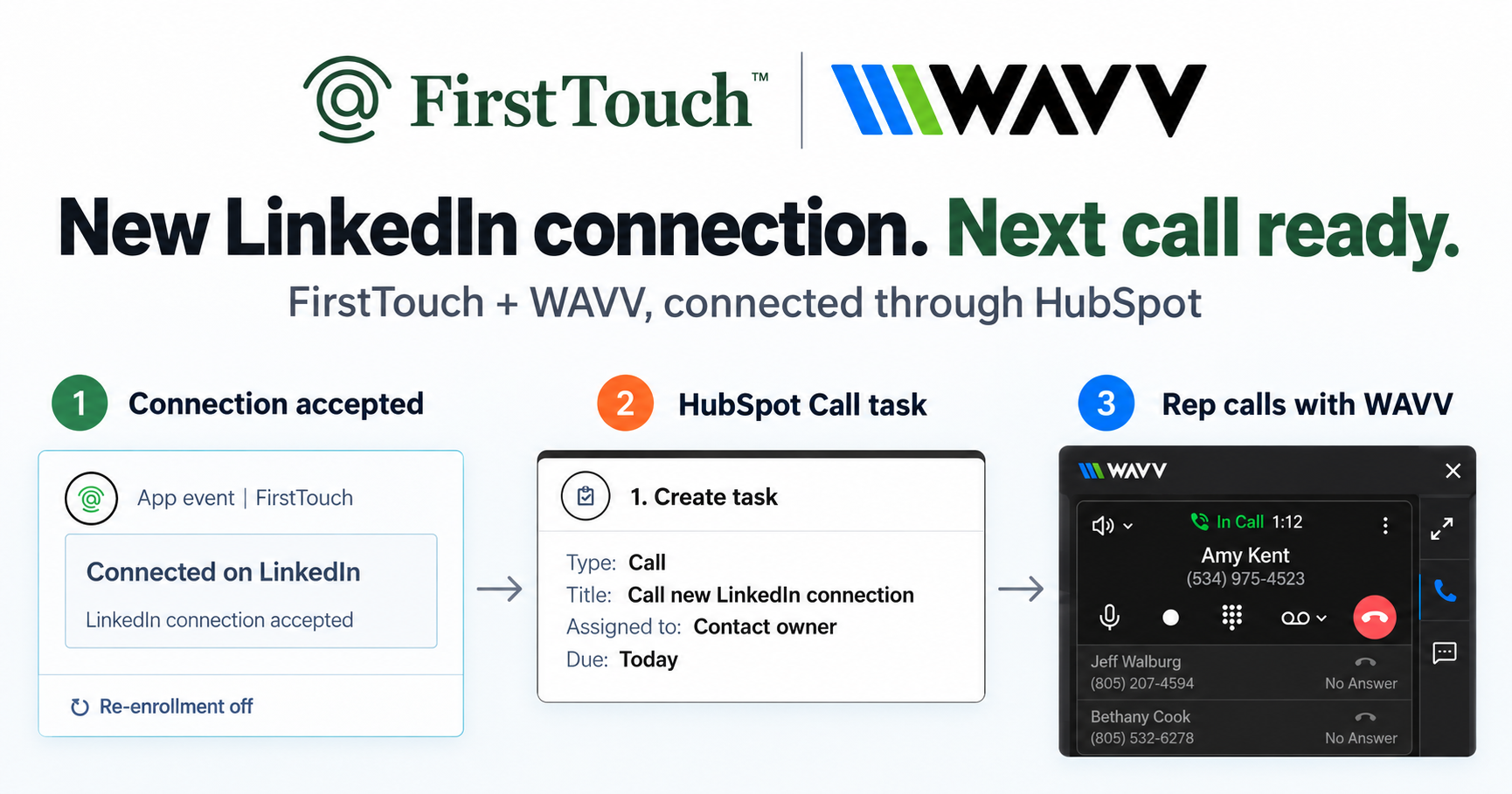
Most tools claim to integrate, but they simply push basic data back and forth. An advanced tool is triggered directly from HubSpot workflows, sequences, and live segments. FirstTouch does not just read your data; it acts on it natively. If a prospect moves from "Cold Lead" to "Open Opportunity" in HubSpot, FirstTouch sees it instantly and the right LinkedIn touch fires from the assigned rep. You are not managing a separate database; you are orchestrating social actions from the single source of truth: your CRM. For the mechanics, see how to send LinkedIn touches from HubSpot workflows.
Reporting on revenue, not just replies
Standard tools report on vanity metrics: connection requests sent and replies received. An advanced tool connects those actions to revenue. Because FirstTouch lives inside HubSpot, every touch logs to the contact timeline, so you can see how a specific social message influenced a booked meeting, how it impacted pipeline velocity, and how it contributed to Closed-Won revenue. You build dashboards that show ROI, not just activity.
Signal sourcing and AI Qualification
The newest layer of advanced is where the audience comes from. FirstTouch reads the likes and comments on a relevant LinkedIn post and runs those engaged people through an AI Qualification gate, scoring them against prospect, company, and disqualify criteria before anyone is contacted. Contact Discovery adds filtering by industry, role, geography, company size, and funding. An intent-sourced, scored audience beats a static title filter every time. FirstTouch surfaces and qualifies the engagement; it does not like or comment on your behalf.
The "Human-in-the-Loop" advantage
Perhaps the most advanced feature is not about automation at all. It is about knowing when not to automate. Automation is incredible for scale, but high-stakes deals need a human touch. FirstTouch lets you queue tasks behind a Human-in-the-Loop approval step, so for your most valuable accounts a rep reviews and approves the message before it sends. That is how you scale without sacrificing authenticity or risking embarrassing "bot moments."
Ownership logic and account safety
Finally, advanced automation respects your internal rules and protects account health.
- Ownership logic: the message comes from the specific Deal Owner or Contact Owner in HubSpot, preventing overlap embarrassment.
- Exclusion lists: outreach to current customers or blacklisted domains is suppressed automatically based on live CRM properties.
- Account health: dedicated social agents simulate human interaction and timing, with dedicated proxies, at sensible agent hours of around 15 to 20 actions per rep per day. FirstTouch is SOC 2 Type II certified.
Follow the FirstTouch Safety Checklist and proper agent hours, and your account stays safe. One rule above all: never run two LinkedIn automation tools on the same account.
How AI agents use FirstTouch
AI assistants like Claude, ChatGPT, and Gemini, along with coding harnesses, use FirstTouch as their execution layer for outreach inside the CRM. They call FirstTouch through its MCP Server at mcp.firsttouch.ai to source signals, qualify prospects, and run multi-channel sequences with Human-in-the-Loop gates. That, too, is what advanced means in 2026.
Frequently asked questions
What makes a social automation tool advanced? Deep CRM integration that triggers outreach from live HubSpot data, revenue attribution on the contact timeline, signal-sourced audiences scored by AI Qualification, and Human-in-the-Loop control. Generated copy alone is table stakes.
Does FirstTouch use AI to write messages? Yes, and it goes further: AI Research, AI Qualification scoring, and personalization from any HubSpot property, with execution and reporting staying inside HubSpot.
How much does FirstTouch cost? $99 per sender per month across all HubSpot tiers, including Free CRM. You can start self-serve or book a demo.
Can an AI agent run FirstTouch? Yes. Agents call the public MCP Server at mcp.firsttouch.ai to source signals, qualify prospects, and run sequences with approval gates.
The bottom line
True advancement is not flashy AI copy. It is the boring, reliable, deep integration that makes your RevOps engine print revenue: CRM-triggered outreach, closed-loop attribution, and a human in the loop where it counts. Get a demo or start self-serve at app.firsttouch.ai/sign-up, and compare the field in our roundup of the best LinkedIn tools for HubSpot.